Inside the Perfect Pixel Engine — From One Sentence to 100+ Motion Sprites
How a single sentence like “a knight in blue armor” becomes an 8-direction sprite set with 100+ motions. Generation pipeline, self-correcting quality loop, and real pixelization — a first look inside the Perfect Pixel engine.
Written by — ONE AI Labs
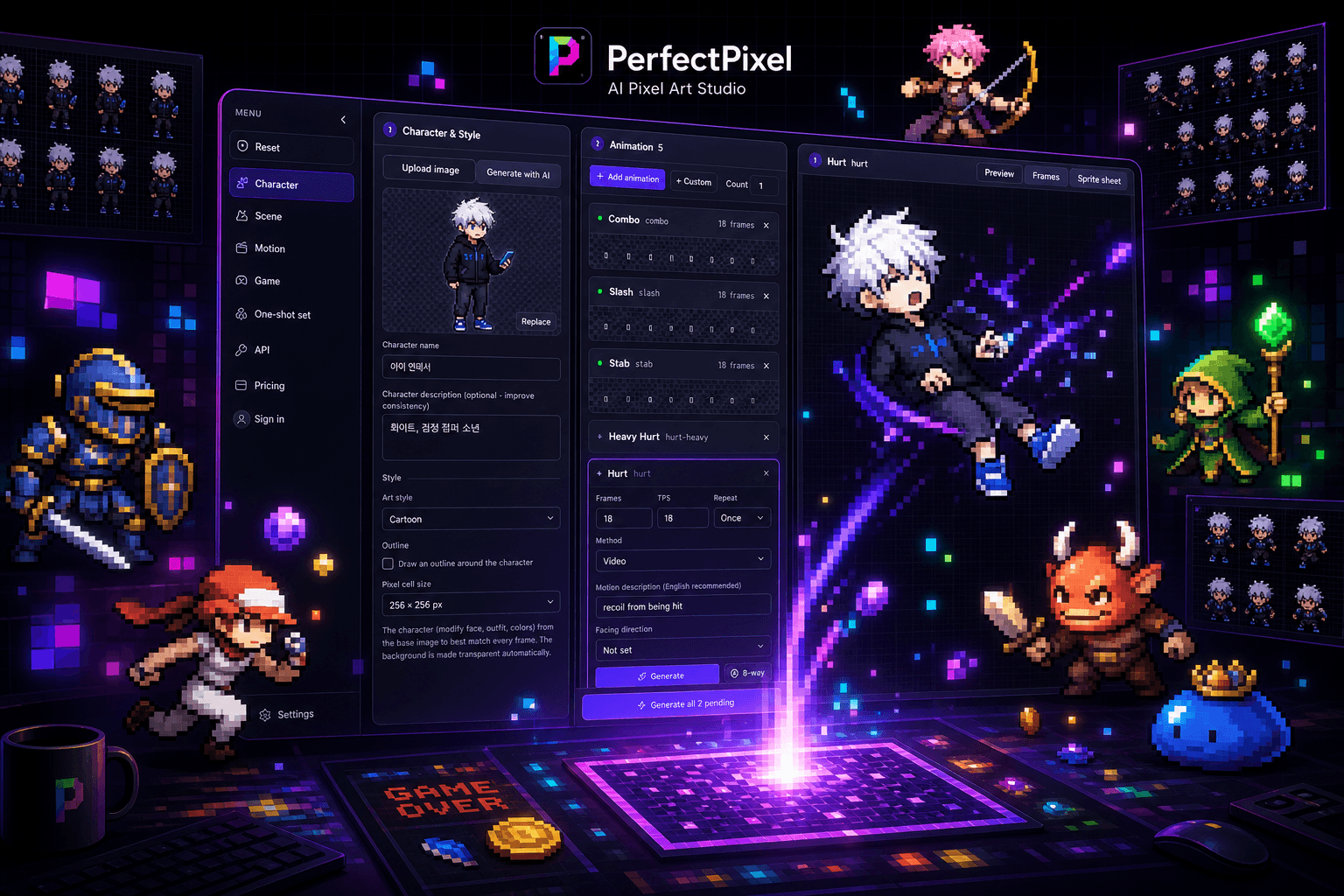
The first thing that stalls a game prototype is rarely code — it's art assets. A single character that walks, runs, attacks, and takes damage in eight directions requires hundreds of frames: weeks of work for a skilled pixel artist per character. Perfect Pixel attacks this problem head-on — a desktop studio where one sentence of text produces an 8-direction, 100+ motion sprite set ready to import into a game engine.
This post dissects the generation engine at the heart of Perfect Pixel: why using a general-purpose image model as-is destroys pixel art, the pipeline we designed instead, and how two key mechanisms — the self-correcting quality loop and real pixelization — push the output to production quality.
Why “just generate an image” doesn't work
Ask a state-of-the-art image model for “pixel art knight” and you'll get something plausible. Drop it into a game, and three problems surface immediately.
- Fake pixel grids — the model paints a *picture that looks like pixel art*. Pixel sizes vary across the image, nothing aligns to a grid, and edges are smeared with anti-aliasing. Zoom in and the illusion collapses.
- Palette explosion — real pixel art is drawn with a controlled 16–64 color palette. Model output uses tens of thousands of colors, drifting subtly between frames so animations shimmer.
- Frame-to-frame inconsistency — generate six walking frames independently and the armor details and proportions change every frame. Animation lives or dies on consistency, and independent generation structurally cannot provide it.
The conclusion was clear: a generative model is one stage of a pipeline, never the pipeline itself. The Perfect Pixel engine surrounds the model with a prompt compiler, a quality verdict loop, and deterministic post-processing — one countermeasure per failure mode.
Architecture — a Go core and a React studio
Perfect Pixel is a macOS desktop app built on Go 1.25 + Wails v2. The frontend is React 18 + TypeScript + Vite, with Radix UI and Tailwind on an HSL custom-property token system. Everything heavy — provider API orchestration, image decoding, pixel post-processing, sprite sheet packing — lives in the Go core; React focuses purely on the studio UI.
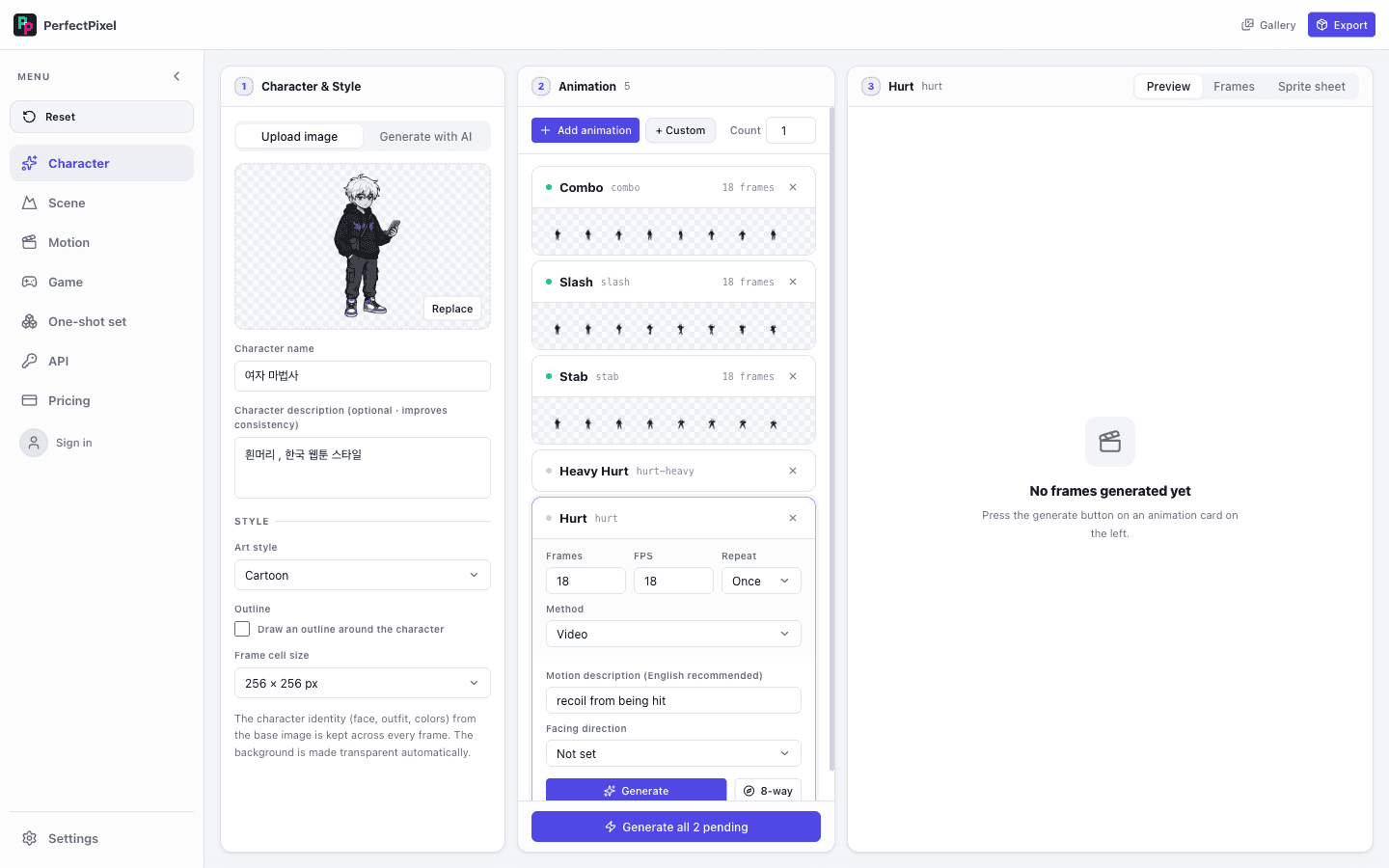
Why Wails? Binaries are roughly a tenth the size of Electron's, and Go's goroutines are ideal for batch motion generation — massively parallel I/O. When generating 100 motions, the engine runs a worker pool tuned to each provider's rate limits, keeping dozens of generation requests in flight. Doing this on a Node runtime would have meant rebuilding backpressure management from scratch.
The generation pipeline — six stages from sentence to sprite set
When a user types “a knight in blue armor,” six stages run — some sequential, some parallel — inside the engine.
- Prompt compilation — the sentence is expanded into a character sheet spec. Pixel-art conventions — body proportions, palette size, outline style, light direction — are injected as a system prompt layer, so the same style contract holds no matter which provider receives it.
- Base character generation — the compiled prompt produces a front-facing character. This output becomes the visual anchor for every direction and motion that follows.
- 8-direction derivation — the remaining seven directions are generated with the base character attached as a reference, structurally preventing frame-to-frame drift.
- Motion expansion — 100+ animation frames are generated in parallel from per-category motion templates: walk, run, attack, hit, death, and more. A Go worker pool throttles concurrency per provider rate limit.
- Quality loop — every generated frame passes through the self-correcting loop; failing frames are regenerated with the failure reasons folded back into the prompt (detailed below).
- Real pixelization & export — grid snapping, palette quantization, and sheet packing produce engine-friendly output.
The self-correcting quality loop — an engine that doesn't trust generation
Generate 100 motions in parallel and some will fail: smeared hands, flipped directions, frames that escape the palette. Early versions relied on human eyes to catch these — about 15 in 100 needed rework. So we put a second AI in the engine, as an inspector.
Immediately after generation, each frame is sent to a vision model for a structured verdict along four axes: silhouette integrity, direction accuracy, palette compliance, and motion-category fit. On failure, the reasons are inserted into the next prompt as correction directives and the frame is regenerated. Three consecutive failures trip a circuit breaker and route the frame to a human review queue — infinite-loop prevention and cost control in one.
// Quality loop for a single frame — failure reasons feed back into the prompt
func (e *Engine) generateWithQualityLoop(ctx context.Context, spec FrameSpec) (*Frame, error) {
    prompt := e.compiler.Compile(spec)
    for attempt := 1; attempt <= maxAttempts; attempt++ {
        frame, err := e.provider.Generate(ctx, prompt, spec.BaseAnchor)
        if err != nil {
            return nil, err
        }
        verdict := e.inspector.Judge(ctx, frame, spec) // vision-model verdict
        if verdict.Pass {
            return frame, nil
        }
        // Inject failure reasons as correction directives
        prompt = prompt.WithCorrection(verdict.Reasons)
    }
    return nil, ErrNeedsHumanReview // circuit breaker — human review queue
}
After shipping this loop, the human rework rate dropped from 15% to under 2%. There was an interesting side effect, too: the accumulated failure logs exposed the prompt compiler's weak spots as data, giving us evidence-based system prompt improvements. The engine effectively generates its own teaching data.
Real pixelization — turning “looks like pixel art” into pixel art
Even frames that pass the quality loop are still high-resolution images that *look like* pixel art. Real pixelization is the deterministic post-processing stage that converts them into the real thing. The key word is deterministic — no AI here. The same input must always produce the same output for the result to be trustworthy as a game asset.
- Grid detection & snapping — frequency analysis estimates the dominant *intended* pixel size, then every pixel is realigned to a uniform grid. This kills the fake-grid problem.
- Palette quantization — tens of thousands of colors converge onto a master palette (32 colors by default) extracted from the character sheet. All frames share one palette, so animation shimmer disappears.
- Edge cleanup — anti-aliased boundaries are removed and the 1px outline convention is restored.
- Background extraction — the background is separated into an alpha channel, ready to drop onto any scene.
Motion studio — existing art can move, too
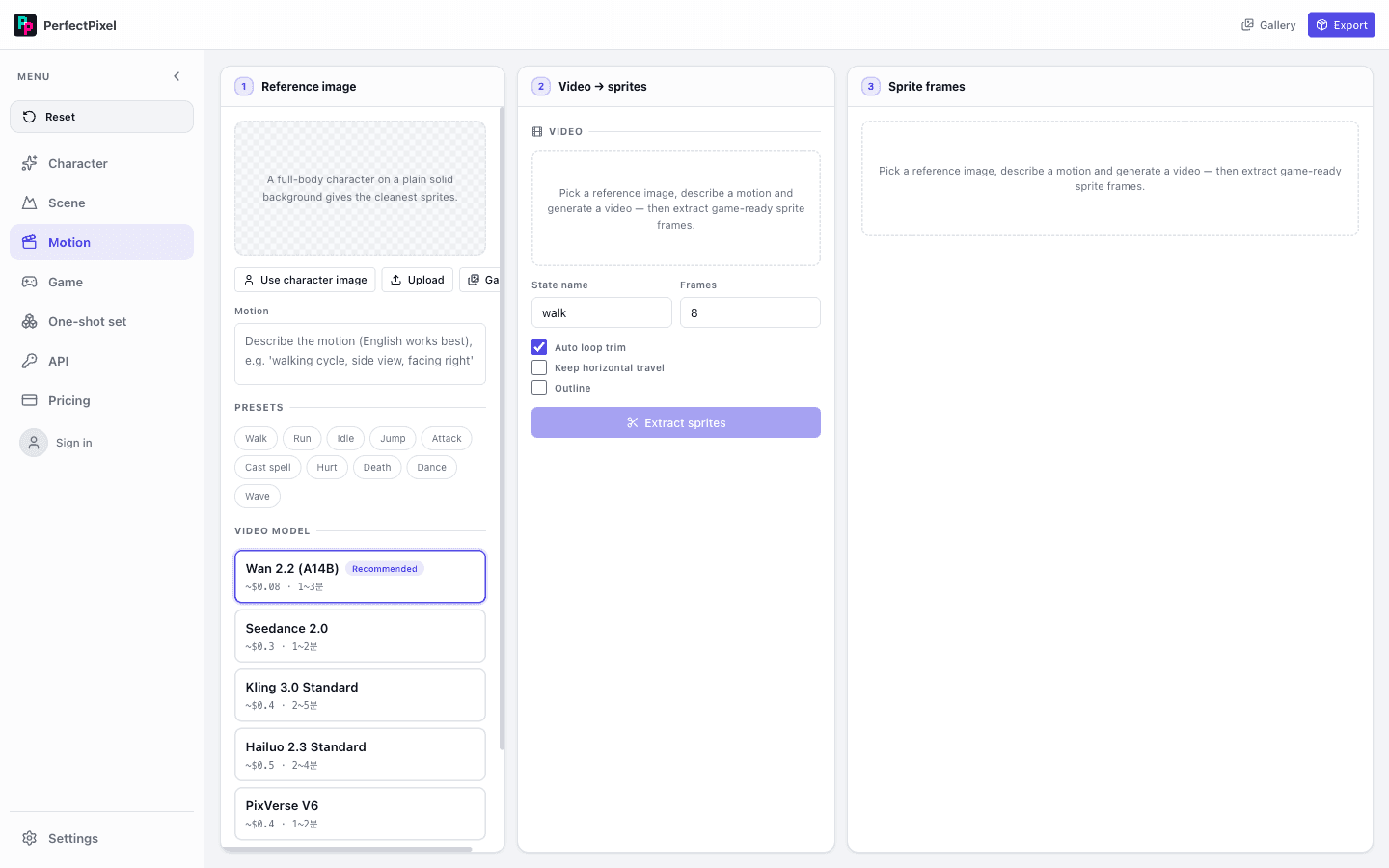
There's a path that doesn't start from text. Drop in a single reference image, and the engine analyzes its style and silhouette, then runs the same pipeline — 8-direction derivation and motion expansion. Watching a beloved old sprite start walking and running is the moment users mention most often.
Multi-provider — never hostage to a single model
The image-generation landscape shifts every quarter. The Perfect Pixel engine abstracts four backends — Gemini, OpenRouter, fal.ai, and BytePlus — behind a single interface. Provider differences (reference-image transport, rate limits, supported resolutions) are absorbed by an adapter layer; pipeline code never knows which provider is running.
// The pipeline only knows this interface — backends swap via config
type ImageProvider interface {
    // anchor is the base-character reference for frame consistency
    Generate(ctx context.Context, p CompiledPrompt, anchor *Image) (*Image, error)
    Capabilities() ProviderCaps // resolution, reference support, concurrency
}
This structure has saved us twice in production. When a provider policy change tanked quality for a particular style, one config line switched backends with zero downtime. And because the quality loop's verdict data doubles as a per-provider benchmark, we know — as data, not opinion — which backend is strongest for which motion category.
Into the game engine — the export pipeline
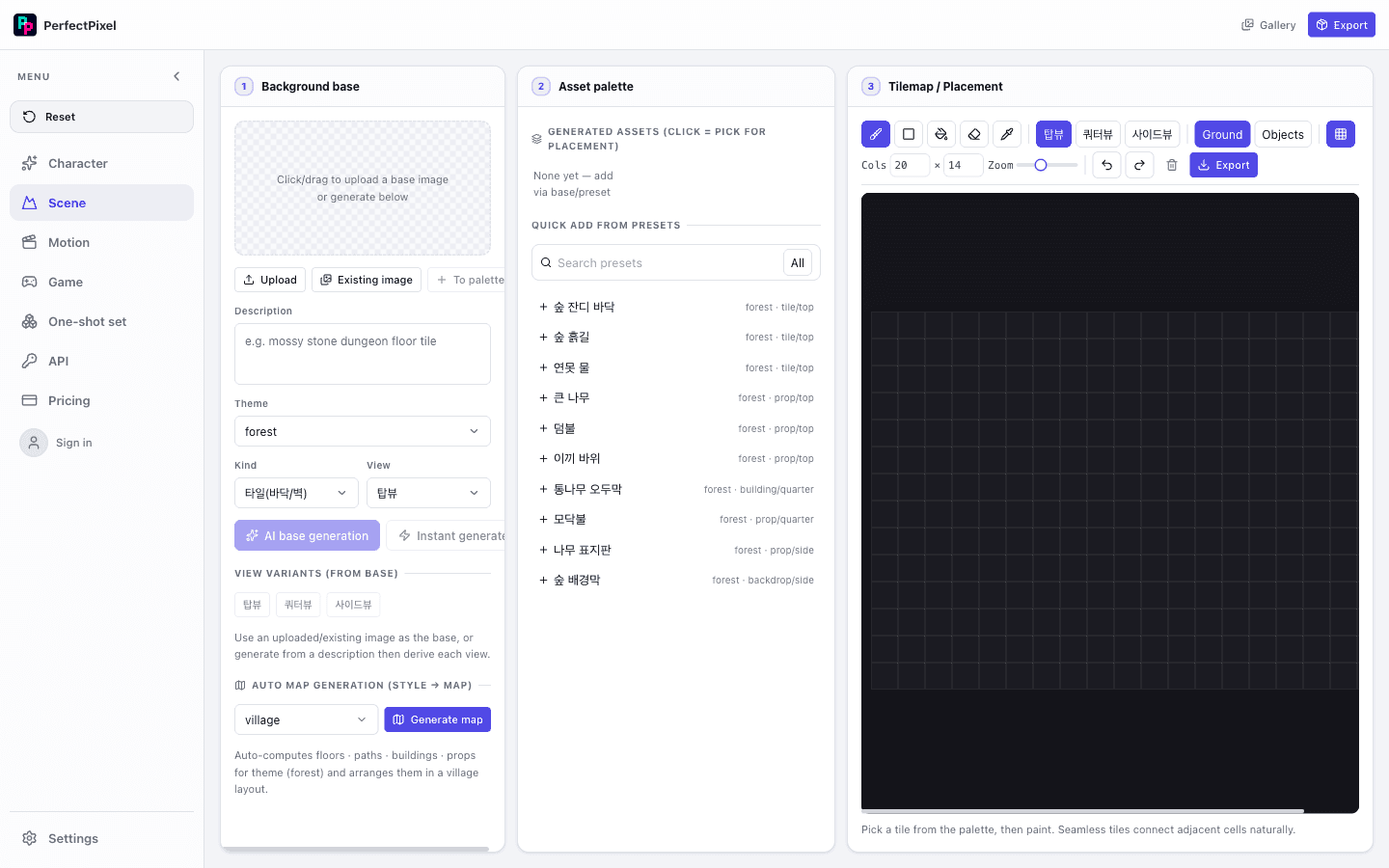
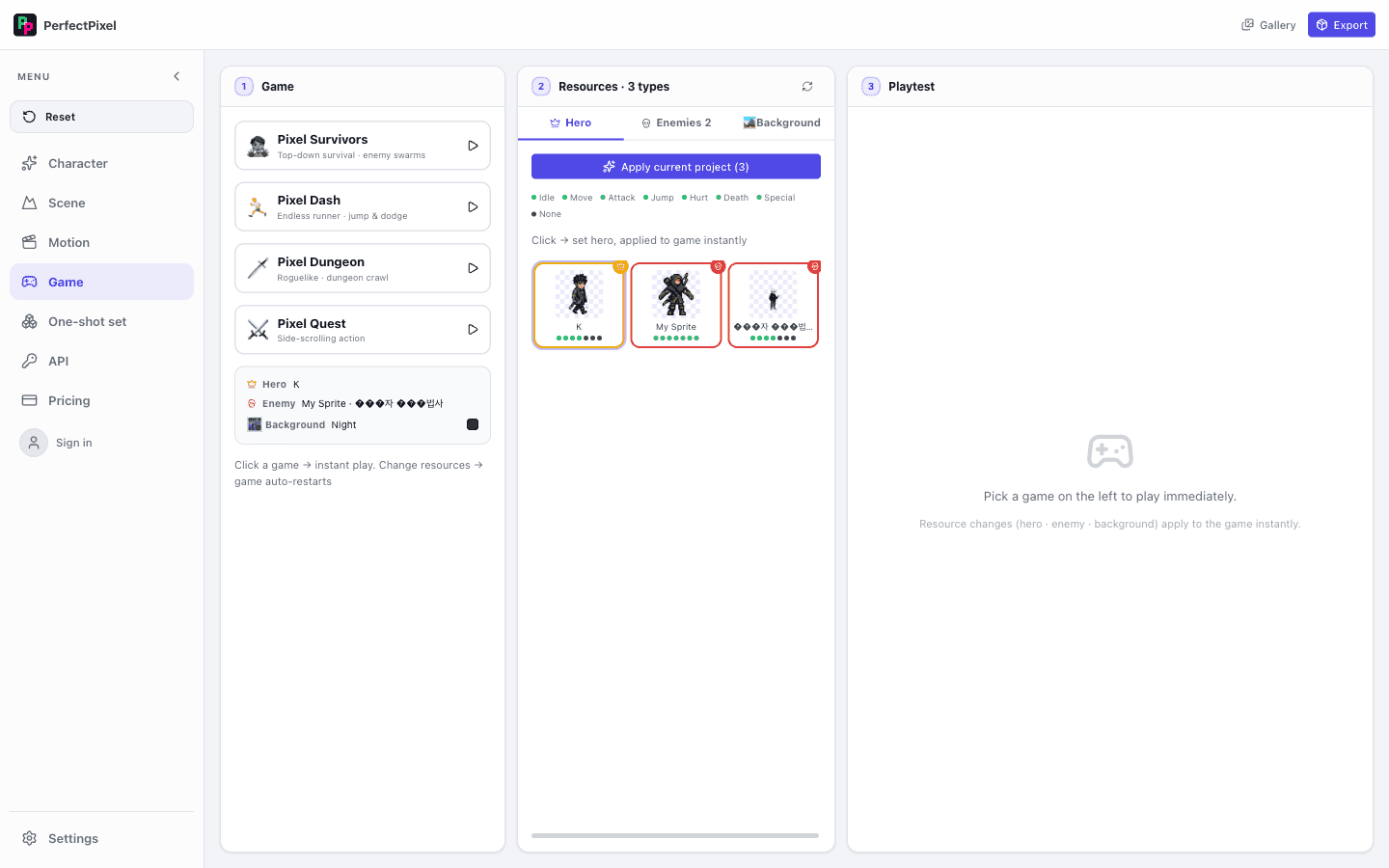
The final stage plugs into real game-dev workflows. Finished frames are packed into sprite sheets organized by motion category and exported with frame-timing metadata — importable into Unity, Godot, or Phaser without extra processing. Below: assets made with Perfect Pixel running in an actual game scene.

Performance benchmarks — validated in numbers
We compared the initial engine (naive generate → human review) against the current fully-automated pipeline. Test conditions: identical character spec (knight in blue armor), identical provider (Gemini 1.5 Flash), full 100-motion set.
A 15% → 2% rework rate matters more than it sounds. On 100 motions, 15% means 15 frames regenerated by hand at ~3–5 min each: 45–75 minutes of extra work per character. At 2% that's 2 frames — 6–10 minutes. When you're iterating quickly on a prototype and swapping characters regularly, this difference compounds fast.
Inside the prompt compiler — how one sentence becomes a spec
The user's "a knight in blue armor" is expanded by the compiler into a structured spec like the one below. This spec is the contract that governs every subsequent generation.
{
  "input": "a knight in blue armor",
  "compiled": {
    "subject": "fantasy knight character",
    "visual_spec": {
      "armor_color": "cobalt blue (#1a4fd6), silver highlights",
      "armor_style": "plate armor, protruding pauldrons, chest insignia",
      "body_ratio": "5-head pixel art standard, 1 head unit = 8px",
      "outline": "1px black outline, no anti-aliasing"
    },
    "palette_constraint": {
      "max_colors": 32,
      "required": ["#1a4fd6", "#0d2d7a", "#c0c0c0", "#000000"]
    },
    "pixel_grid": "32×48px reference grid",
    "lighting": "single source, upper-left 45°"
  }
}
The most important decision in compilation is locking the palette constraint before generation. Fixing four primary colors means the remaining 28 are constrained to brightness and saturation variants of those four. This is the mechanism that prevents palette explosion — the per-frame color drift that makes animations shimmer.
Supported game engines & export formats
Export covers three formats, each optimized for a specific engine's import pipeline. A metadata file accompanies every export with frame timing and hitbox data.
- PNG sprite sheet + JSON meta — universal for Unity (SpriteEditor) and Godot (SpriteFrames). Frame coordinates and FPS in JSON, importable with zero manual setup.
- Aseprite-compatible `.aseprite` — lets pixel artists open the file in Aseprite and edit at the layer level. Cut layers and animation tags are auto-generated.
- Phaser 3 JSON Atlas — native to wasd (our text-to-game engine). One line:
scene.anims.createFromAseprite()registers all animations.
Early design mistakes — what broke and why it changed
The current pipeline didn't start looking like this. Recording what broke is as important as recording what works — these failures are the reason each architectural decision exists.
- Post-processing palette attachment (failed) — early design applied quantization after generation. Result: color mapping conflicts smeared the character. Conclusion: the palette must be enforced via prompt *before* generation.
- All directions generated independently (failed) — 8 directions from separate prompts caused armor details to differ per direction. Switching to the base-anchor pattern eliminated 80% of consistency issues.
- Fixed canvas size (failed) — enforcing 32×48 or 64×64 meant complex characters were crushed and simple ones had excess whitespace. Now the compiler auto-selects between 48×48 and 96×96 based on character complexity.
- Human quality review (bottleneck) — humans catching bad frames in a 100-motion batch created a 15% rework rate and an async review loop that added hours. Adding the AI inspector broke the bottleneck entirely.
Closing — pipelines make quality, not generation
The biggest lesson from building Perfect Pixel: don't trust model output — trust the structure that verifies and corrects it. The prompt compiler enforces a style contract, the base anchor guarantees consistency, the quality loop filters defects, and deterministic post-processing restores the final conventions. Each stage is simple; the chain is what turns “one sentence” into “production assets.”
“Your game's visuals, complete without an art team” — the Perfect Pixel engine's job is to make that sentence an engineering spec, not a marketing line.
— ONE AI Labs
Perfect Pixel ships today as a macOS desktop app, with an open-source version available. Next on the engine's roadmap: extending the pipeline to tilesets and backgrounds, and automatic per-style provider routing powered by quality-loop verdict data.