 Step 01 — Meetings · Managing
Bob
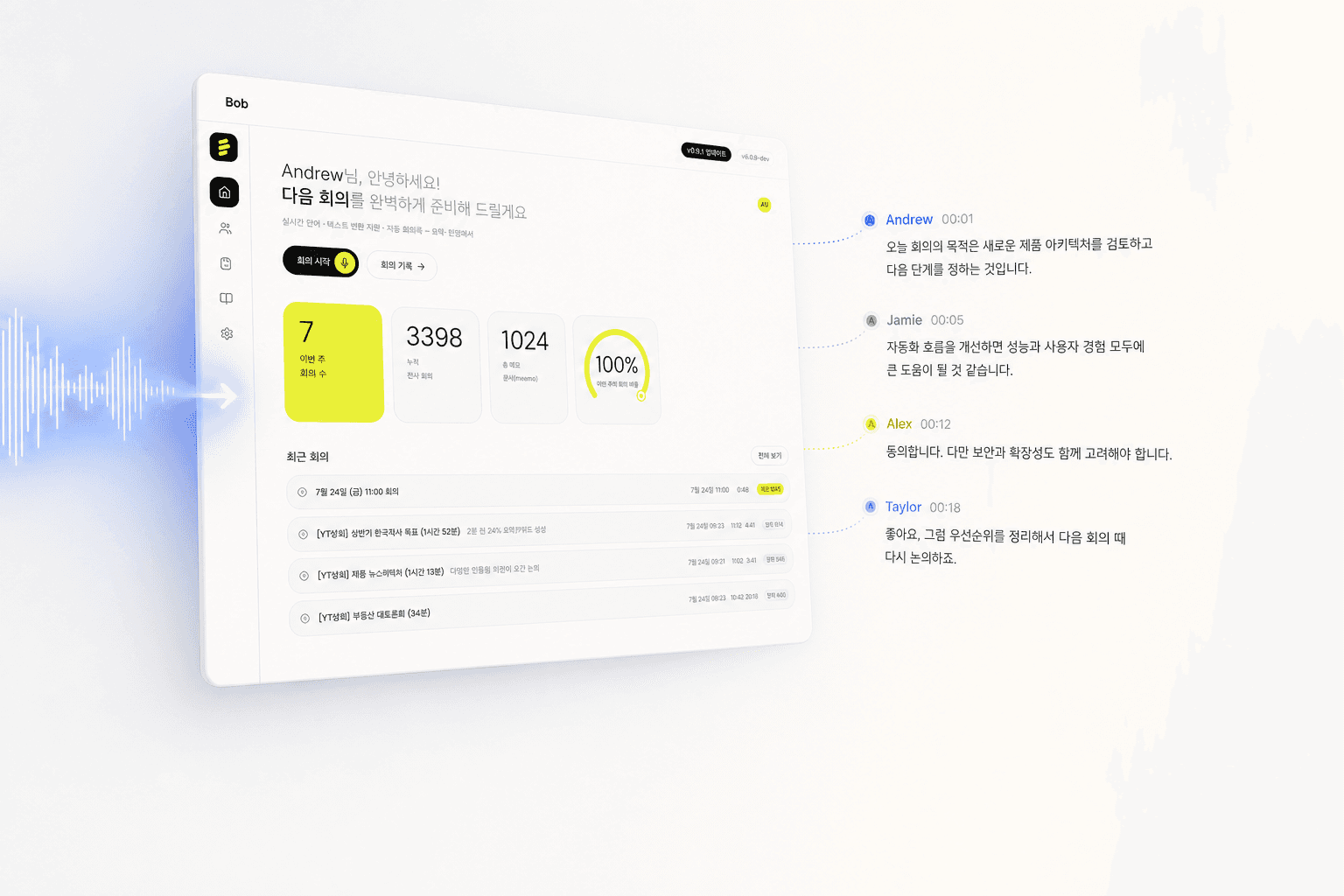
Perfect meeting notes, with not a single character leaving your device
100% on-device AI meeting copilot — transcription, speaker ID, summaries
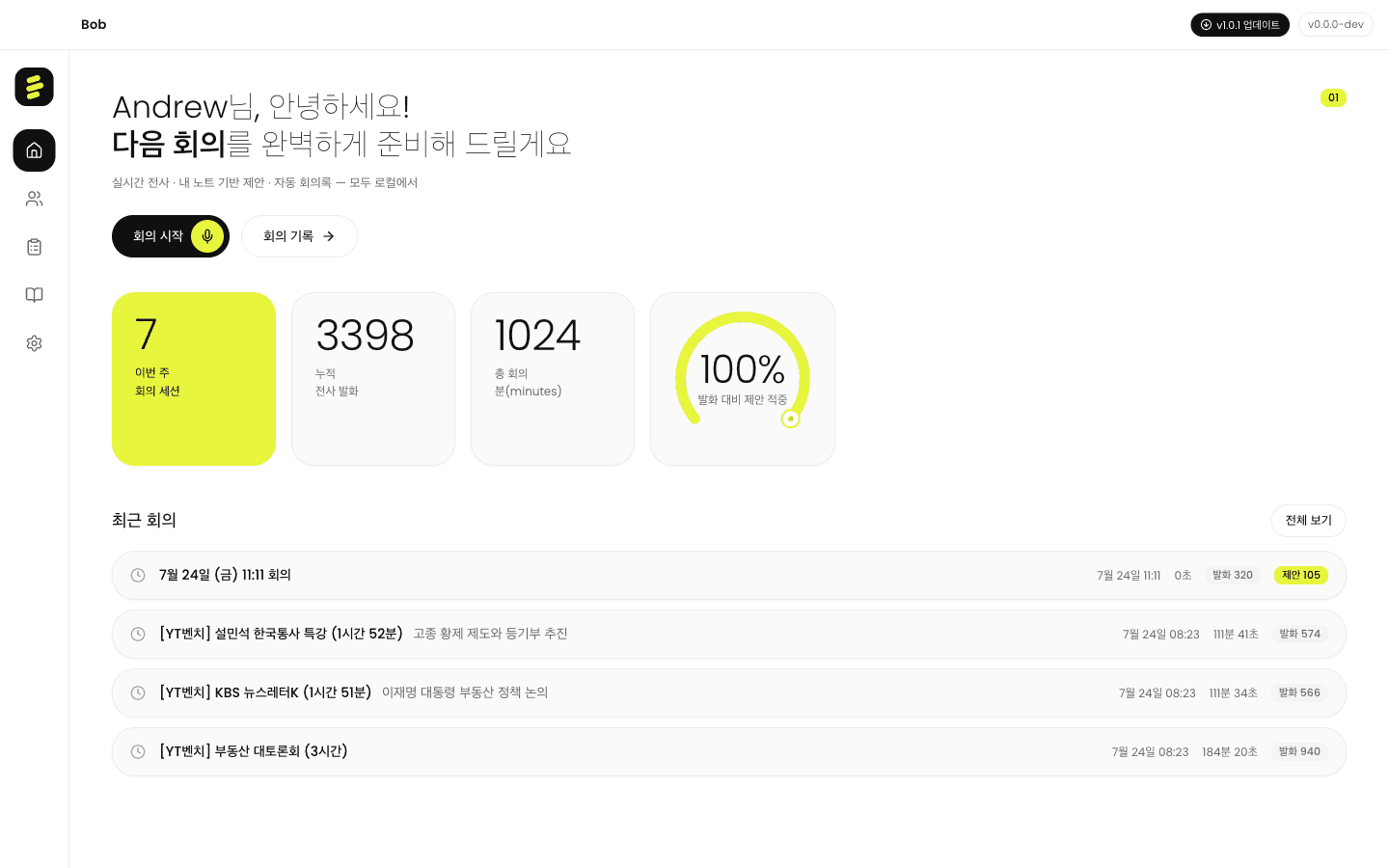
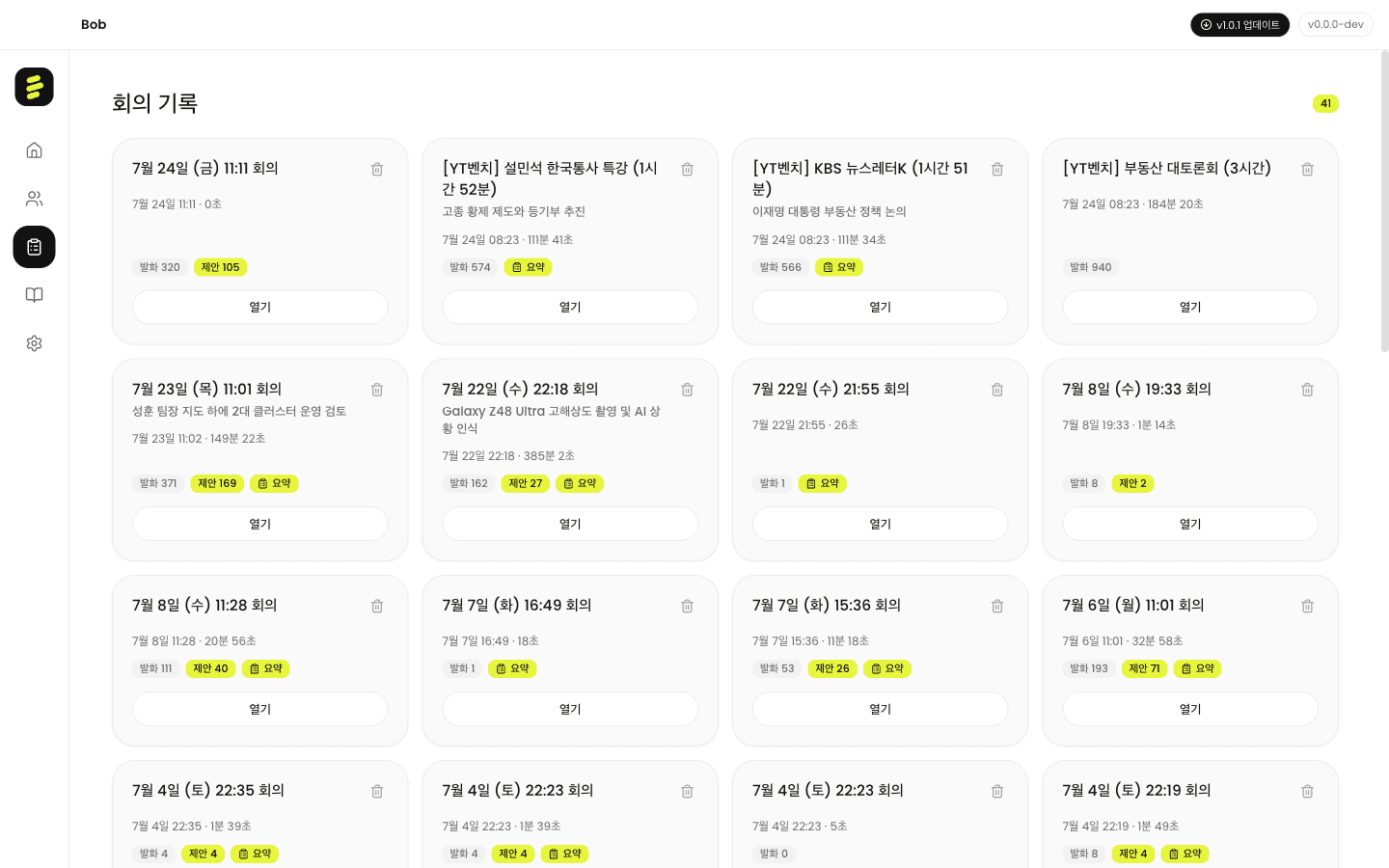
When a meeting starts, Bob transcribes in real time, tells speakers apart, and when it ends, the minutes and a one-line summary are already done. FunASR SenseVoice speech recognition, CAM++ speaker embeddings, Qwen3 4B summarization on llama.cpp — all of this AI runs inside your Mac with no cloud. The only kind of meeting AI you can use without worrying about security.
Key features
- Real-time transcription + automatic speaker separation, re-identification via saved profiles
- FunASR SenseVoice speech recognition · CAM++ speaker embeddings
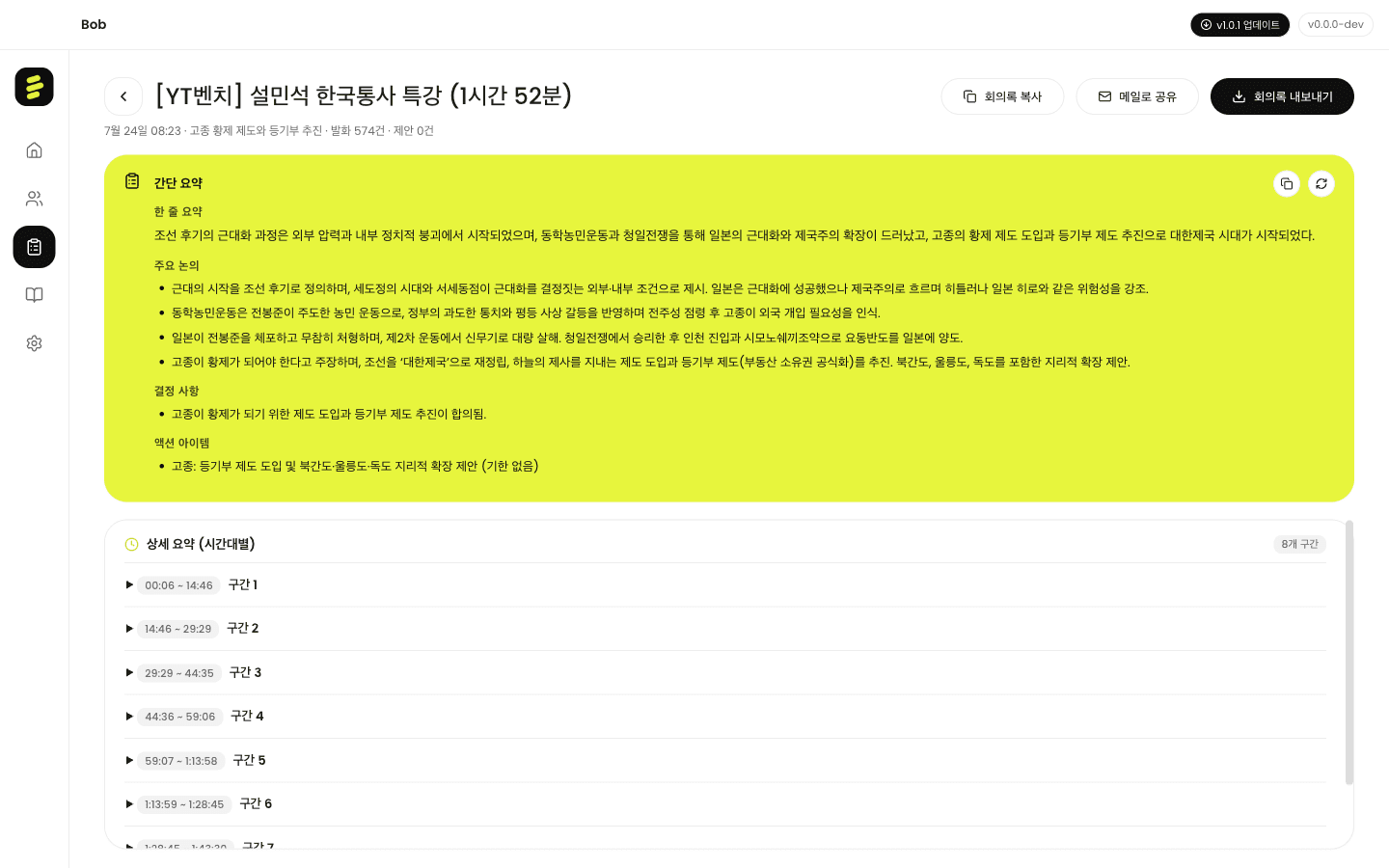
- Local Qwen3 4B summarization and suggestion synthesis on llama.cpp
- CoreAudio microphone capture with a built-in Python speech server
- Automatic setup on first launch (~1.5GB model download)
Why It Stands Out
Zero Cloud
Speech, transcription, and summaries all stay on your Mac. Meeting content never leaves your device — no conflict with corporate security policies.
Real-time Speaker ID
CAM++ embeddings automatically identify speakers and save name tags. The same voice is instantly recognized in your next meeting.
Complete Minutes, Instantly
The moment a meeting ends, a local Qwen3 4B model writes the summary, action items, and a one-line conclusion — ready to share without edits.
One-time Setup, Done
The Python environment and AI models install automatically on first launch. No additional configuration needed after that.